MARKETING / 1:30
Make your agency message a polished video.
HyperFrames: build, preview and revise an agency video.
Get the steps and prompt Agent AI WorkshopFOR P&C INSURANCE AGENCIES
Find practical ways to improve sales, simplify service and create better marketing. Get the videos, prompts and steps to put each idea to work.
Explore the videosHyperFrames: build, preview and revise an agency video.
Get the steps and promptRehearse a prospect conversation and review the feedback.
Get the steps and promptTurn the same wording into an editable Canva design.
Get the steps and promptCreate fictional exercises with a consistent review checklist.
Get the steps and promptExplore sales, service and financial reporting together.
Get the steps and promptCompare the request with what arrived before drafting a reply.
Get the steps and promptSee how prompts, skills, connectors and plugins differ.
Get the steps and promptFictional examples. Every lesson includes instructions and a transcript.
Practice better conversations.

Make everyday service easier.
Make your message stand out.
Tools, reports and workflows.
Help your team learn the work.
Have a question? Share what works with other agents.
Join the Facebook groupFind practical ways to improve sales, simplify service and create better marketing. Get the videos, prompts and steps to put each idea to work.
Explore the videosHyperFrames: build, preview and revise an agency video.
Get the steps and promptRehearse a prospect conversation and review the feedback.
Get the steps and promptTurn the same wording into an editable Canva design.
Get the steps and promptCreate fictional exercises with a consistent review checklist.
Get the steps and promptExplore sales, service and financial reporting together.
Get the steps and promptCompare the request with what arrived before drafting a reply.
Get the steps and promptSee how prompts, skills, connectors and plugins differ.
Get the steps and promptFictional examples. Every lesson includes instructions and a transcript.
Practice better conversations.
Make everyday service easier.
Make your message stand out.
Tools, reports and workflows.
Help your team learn the work.
Every video lesson includes written steps, a copyable prompt and a transcript. Choose your category, then start with one task.
21 guides
 1:14 · VIDEO
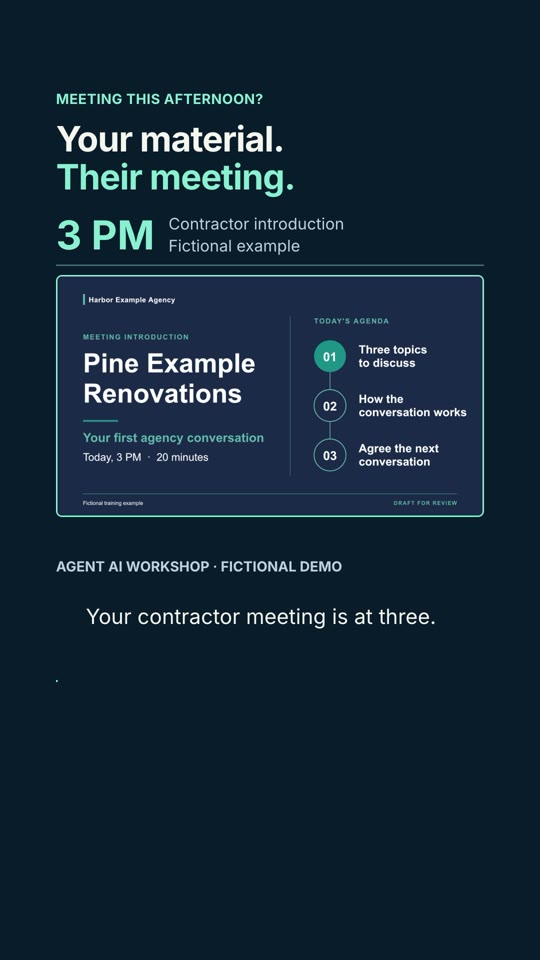
Reuse your agency facts, collateral and brand rules. Generate a tailored meeting draft and try the fictional PowerPoint practice kit.
Watch + try 0:55 · VIDEO
Find published business emails and phone numbers. Review the sources, copy the prompt and download the sample CSVs.
Watch + try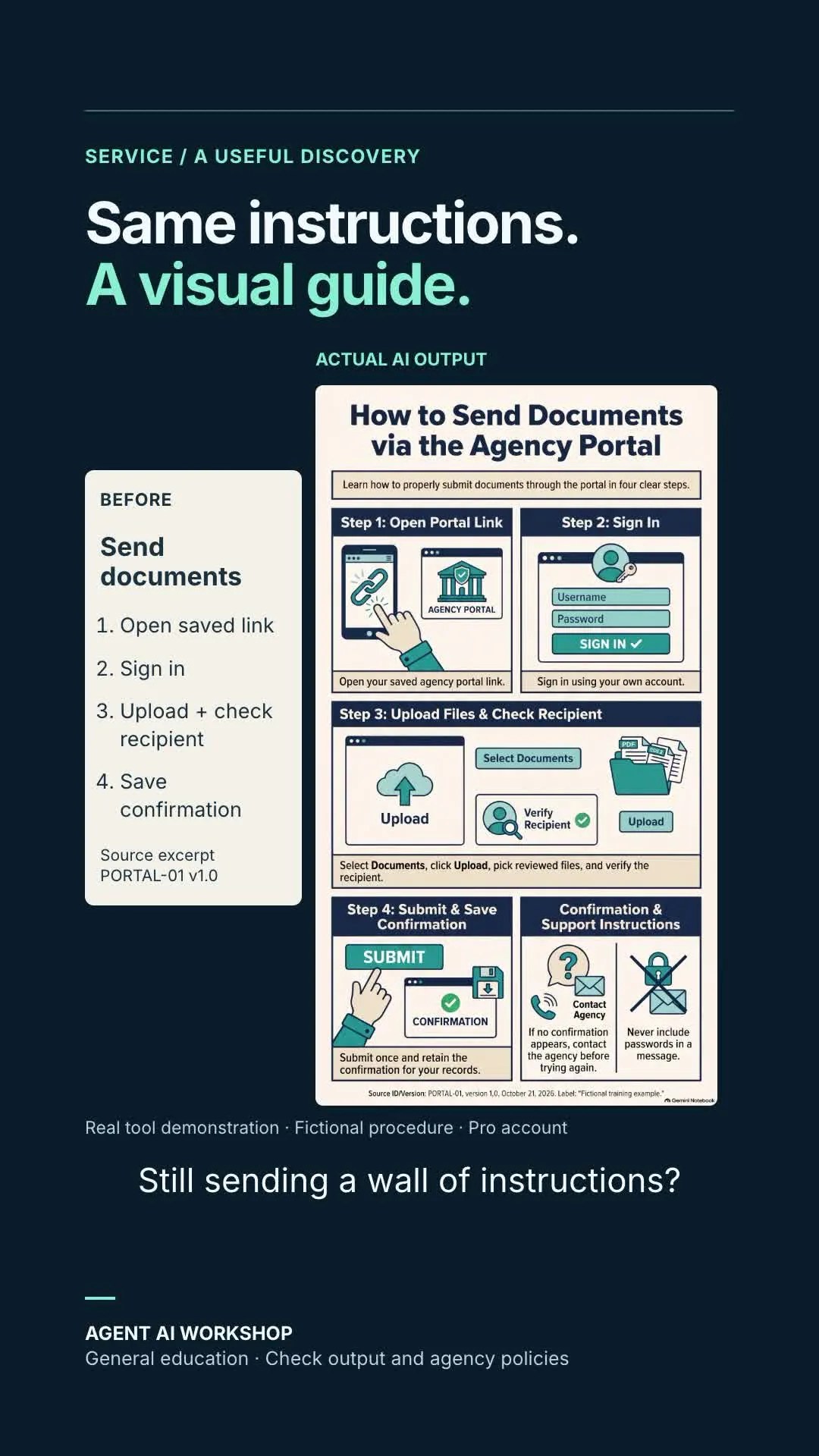 0:43 · VIDEO
Use Gemini Notebook to turn an approved agency how-to into an infographic. Watch the video, try three steps and copy the prompt with a fictional practice source.
Watch + try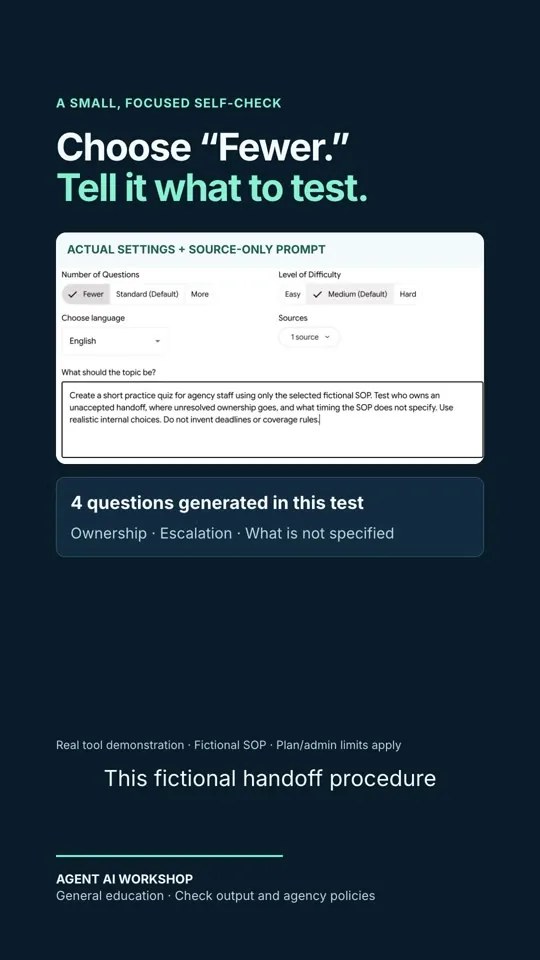 0:38 · VIDEO
Create an interactive practice quiz from a fictional agency SOP in Gemini Notebook, then check every answer against the source.
Watch + try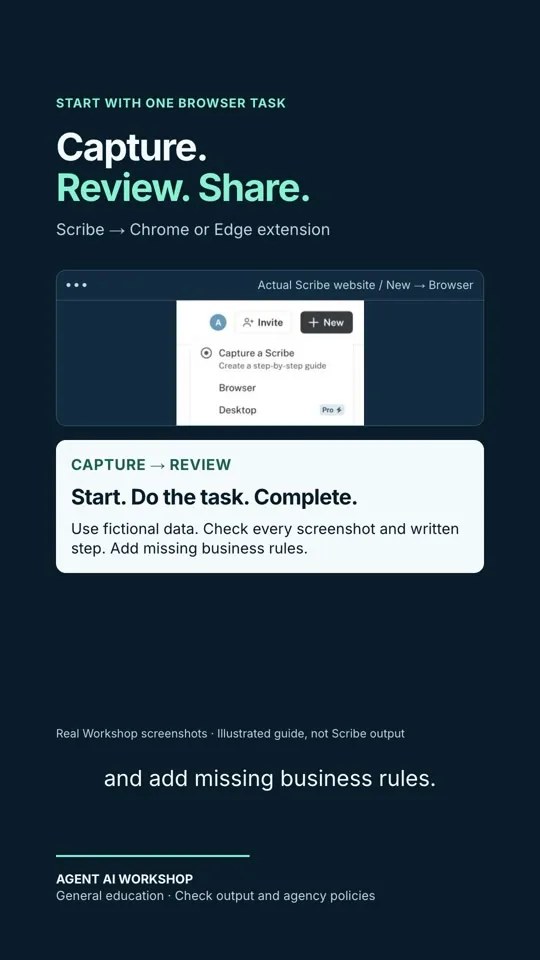 1:06 · VIDEO
Use Scribe to capture workflow screenshots and step descriptions, review the guide and turn it into a video with HyperFrames.
Watch + try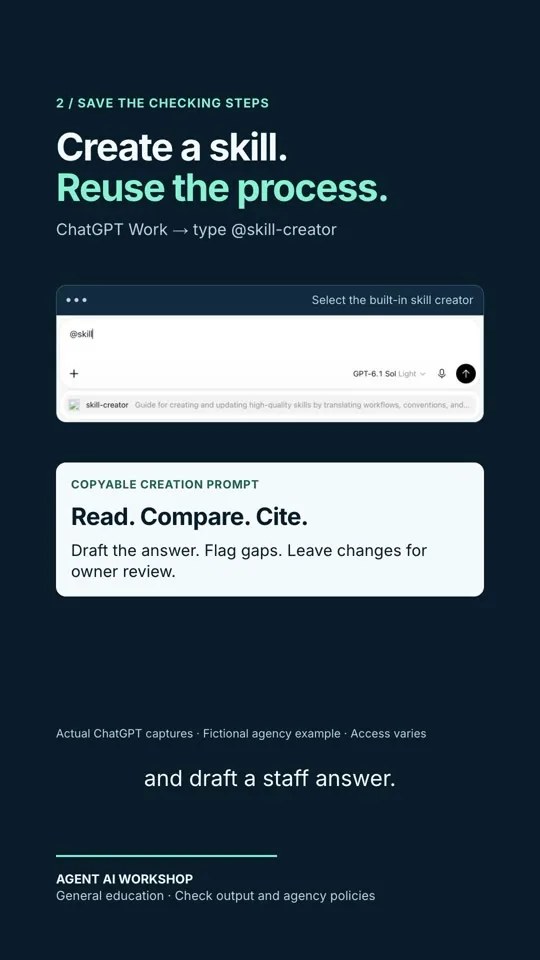 1:33 · VIDEO
Add a reusable checking skill and an approved Google Drive or Microsoft SharePoint connection, then review proposed updates.
Watch + try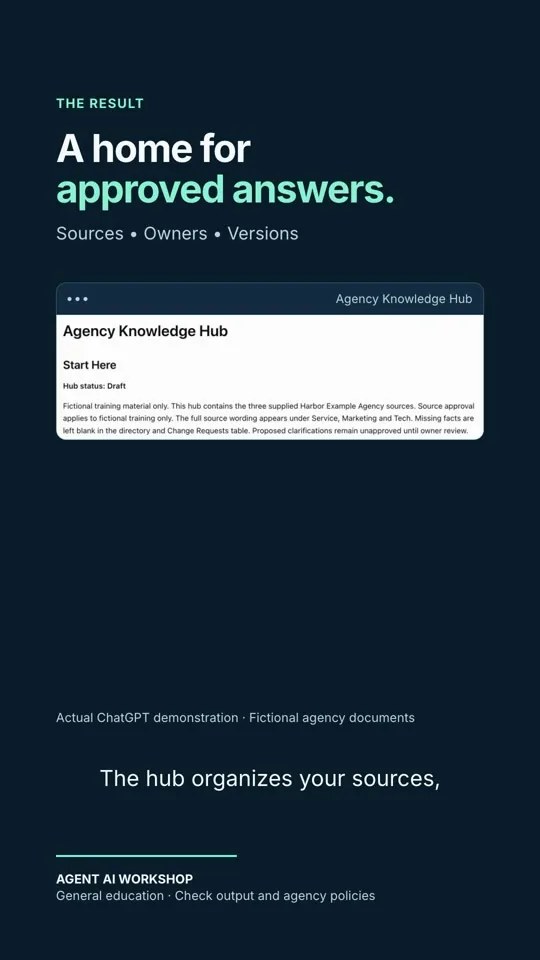 1:23 · VIDEO
Create a basic ChatGPT knowledge hub from fictional approved documents, then test a sourced answer and an unanswered question.
Watch + try 0:46 · VIDEO
Start an agency AI knowledge base with three approved documents, clear ownership and a source-checking prompt.
Watch + try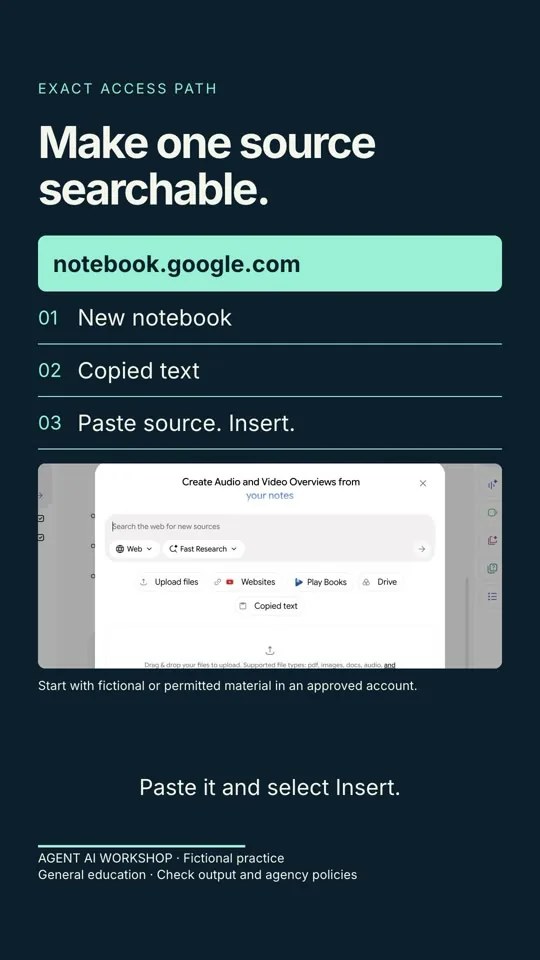 0:45 · VIDEO
Ask a source notebook about a fictional agency handoff, then inspect the citation and missing information.
Watch + try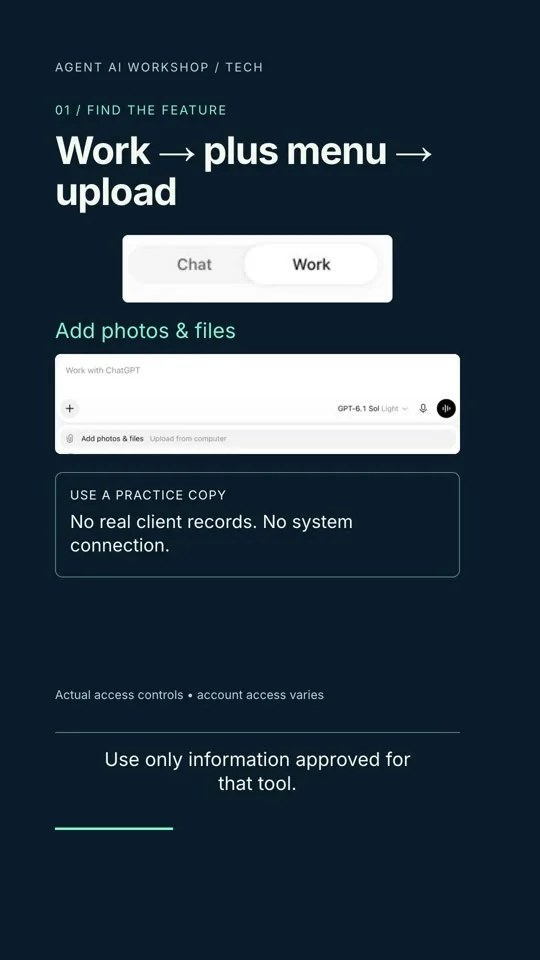 0:55 · VIDEO
Use AI to return a cleaned CSV and a separate review list, with a fictional practice file you can try.
Watch + try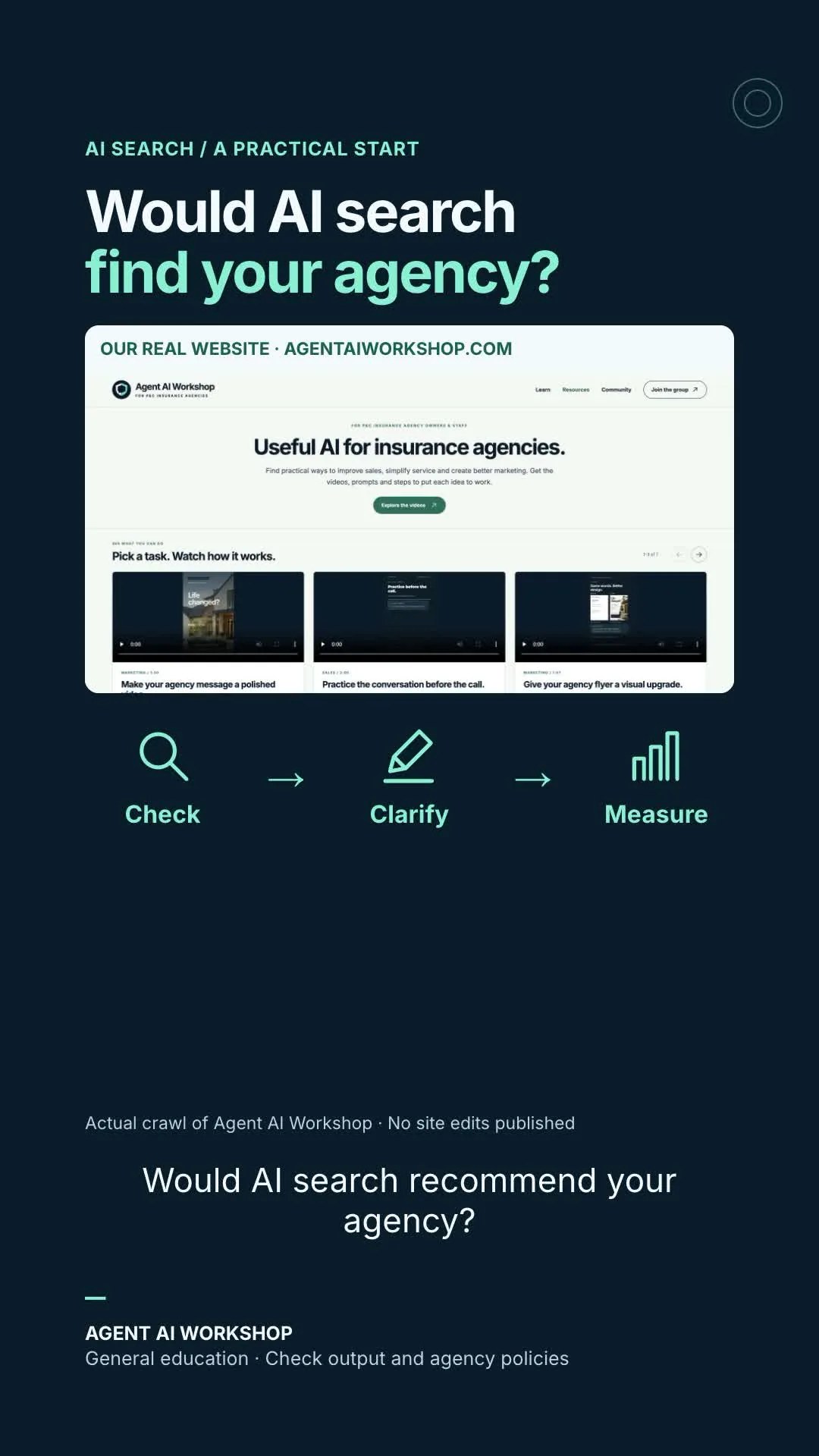 1:03 · VIDEO
Check your agency website with Screaming Frog, draft clearer page text with AI and track search appearances. Video, three setup steps and a copyable prompt.
Watch + try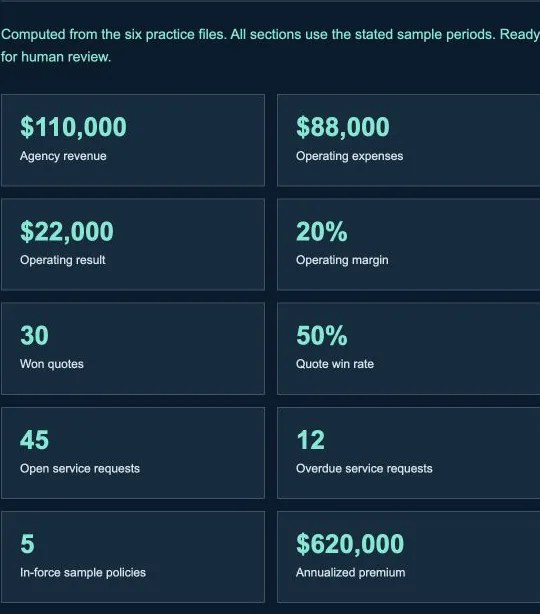 0:41 · VIDEO
Combine sales, service, policy, financial and quality reporting into an owner dashboard, then distribute permitted views. Includes a fictional dashboard, reporting steps and practice kit.
Watch + try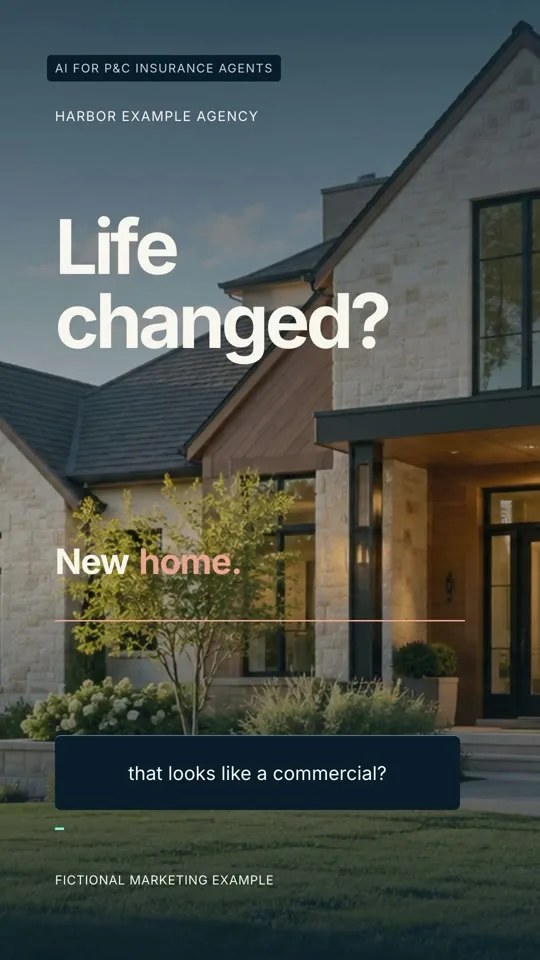 1:30 · VIDEO
Use HyperFrames to build a short agency video, revise the preview and export an MP4.
Watch + try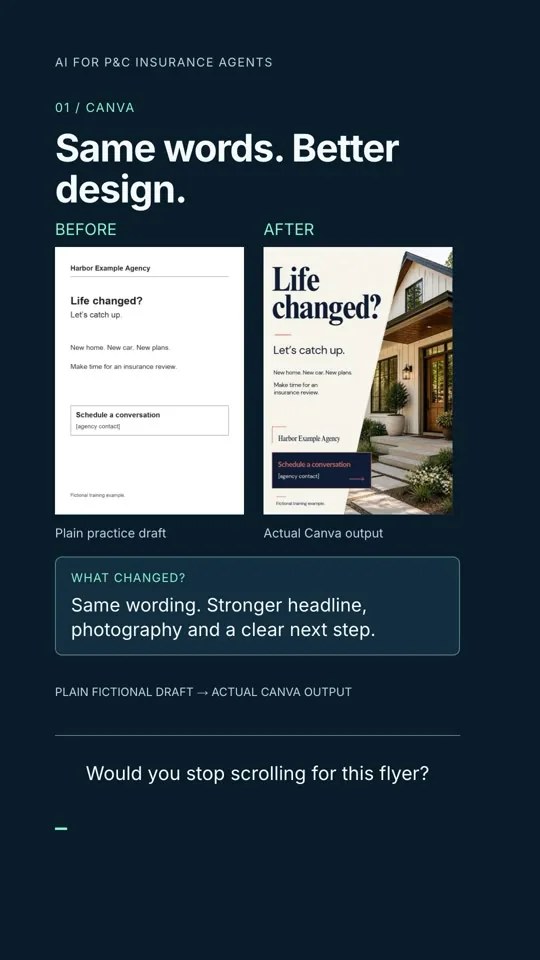 1:07 · VIDEO
See a plain flyer become an editable Canva design using the same approved wording.
Watch + try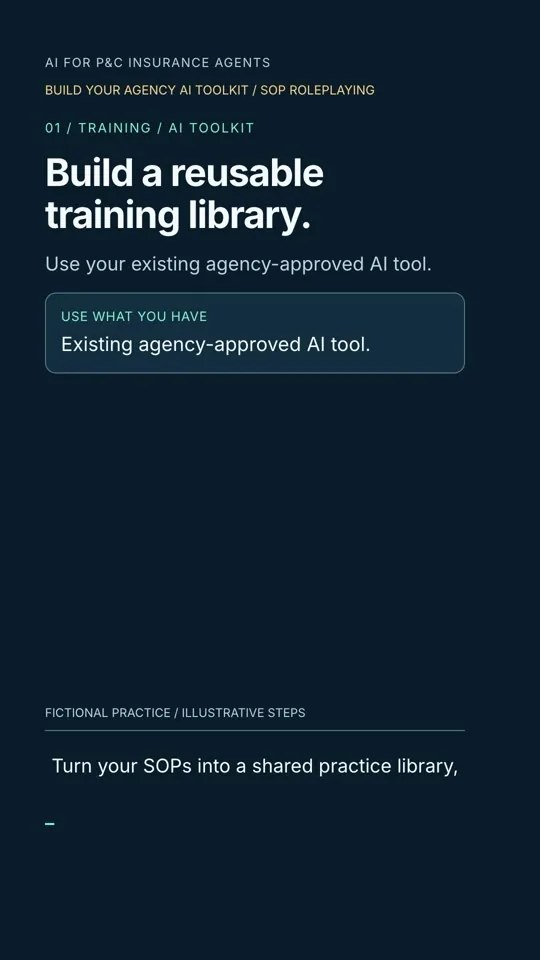 1:31 · VIDEO
Practice address changes and certificate requests with consistent fictional facts and a trainer-approved checklist.
Watch + try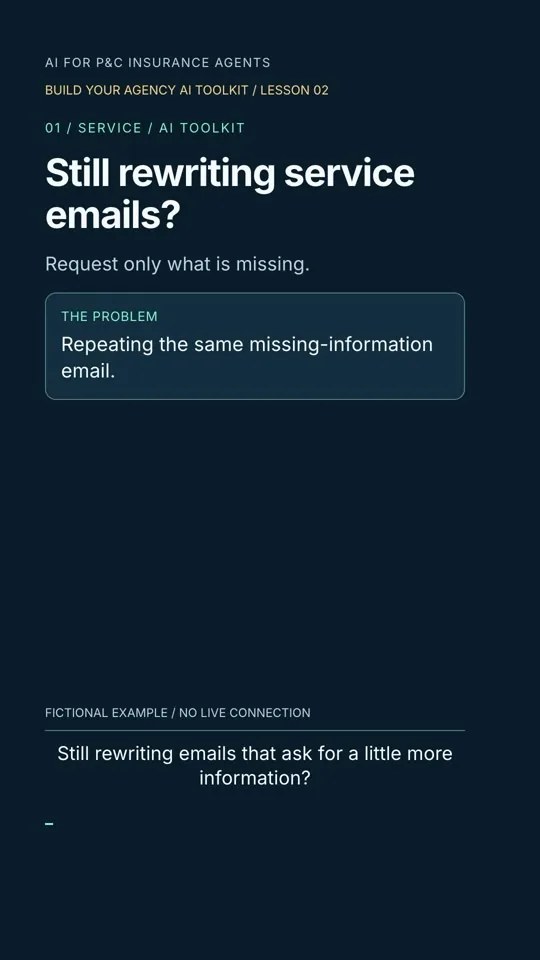 1:45 · VIDEO
Compare what you need with what has arrived, then draft a request for only the missing item.
Watch + try 2:11 · VIDEO
Understand prompts, skills, connectors and plugins through one appointment-follow-up task.
Watch + tryDefine the metric and denominator before asking AI to explain a result.
Read the guideSpecify the task, context, boundaries, and output before asking for a draft.
Read the guideSeparate requests, promises, and completed work before building a draft task list.
Read the guide 2:05 · VIDEO
Rehearse questions, follow the prospect’s concern, and check AI feedback against your actual words.
Watch + try