
AI tools and reporting for insurance agencies
Prompts, skills, plugins, connectors and useful checks. Start with a useful example, then follow the steps.
Choose a practical starting point
If you are new to AI, start with writing a useful prompt and the guide to prompts, skills, connectors and plugins. Then explore agency reporting, CSV cleanup or a practice knowledge hub. Choose tools your agency approves and verify outputs against their sources.
 1:06 · VIDEO
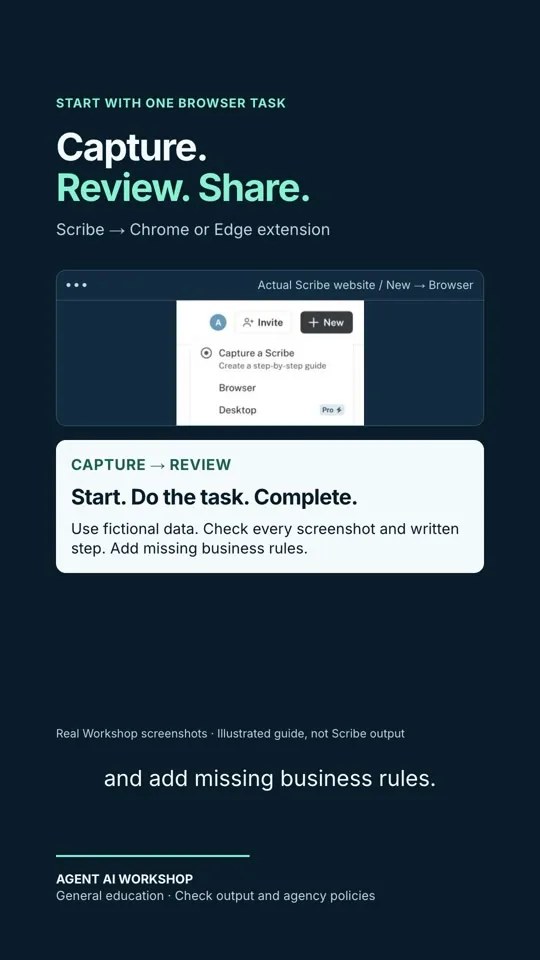
Click through once. Reuse the how-to.
Use Scribe to capture workflow screenshots and step descriptions, review the guide and turn it into a video with HyperFrames.
Watch + try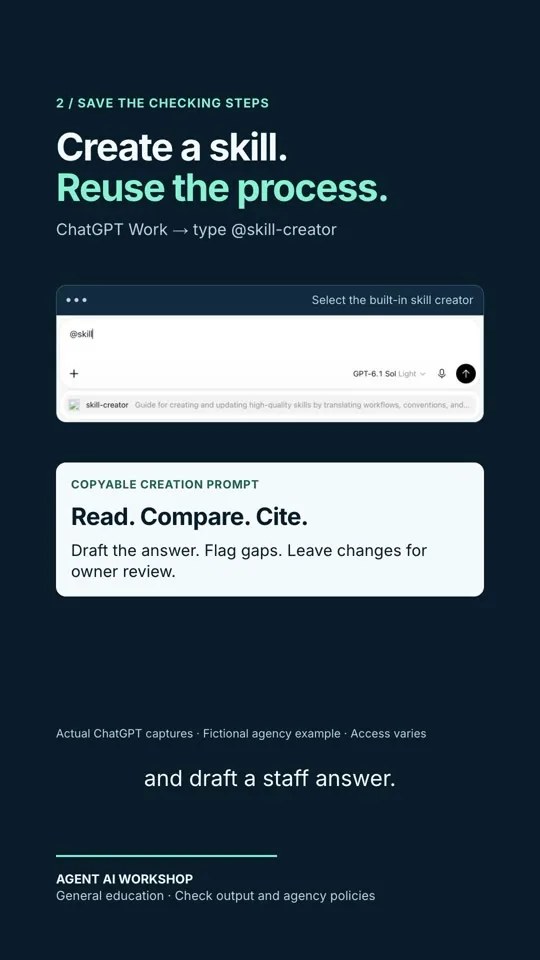 1:33 · VIDEO
Check your hub against the current SOP.
Add a reusable checking skill and an approved Google Drive or Microsoft SharePoint connection, then review proposed updates.
Watch + try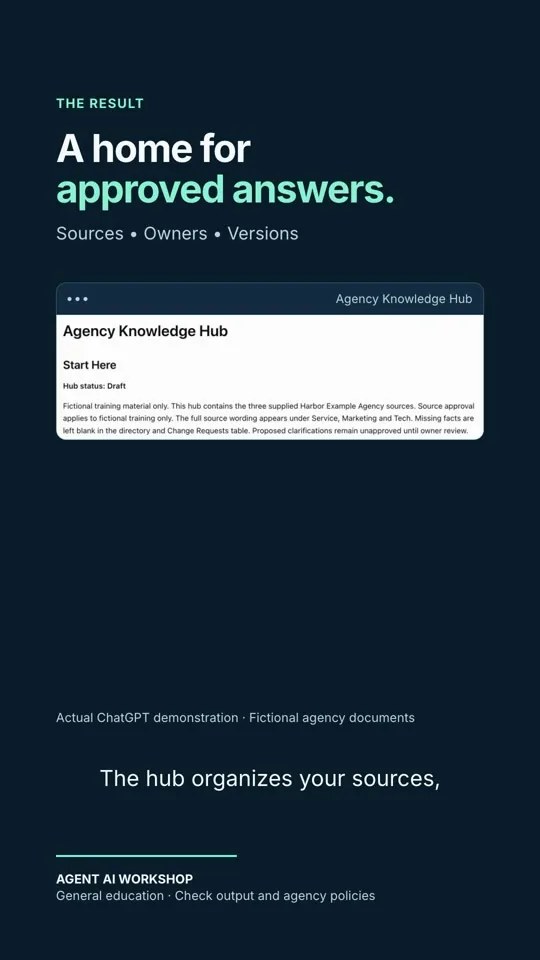 1:23 · VIDEO
Build a useful hub from three documents.
Create a basic ChatGPT knowledge hub from fictional approved documents, then test a sourced answer and an unanswered question.
Watch + try 0:46 · VIDEO
Give your agency’s answers a home.
Start an agency AI knowledge base with three approved documents, clear ownership and a source-checking prompt.
Watch + try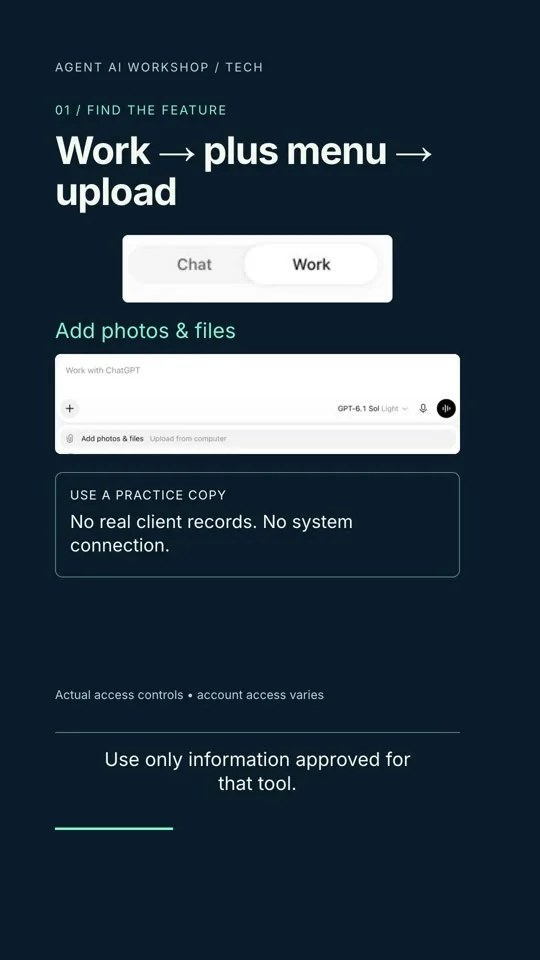 0:55 · VIDEO
Clean an agency export. See what changed.
Use AI to return a cleaned CSV and a separate review list, with a fictional practice file you can try.
Watch + try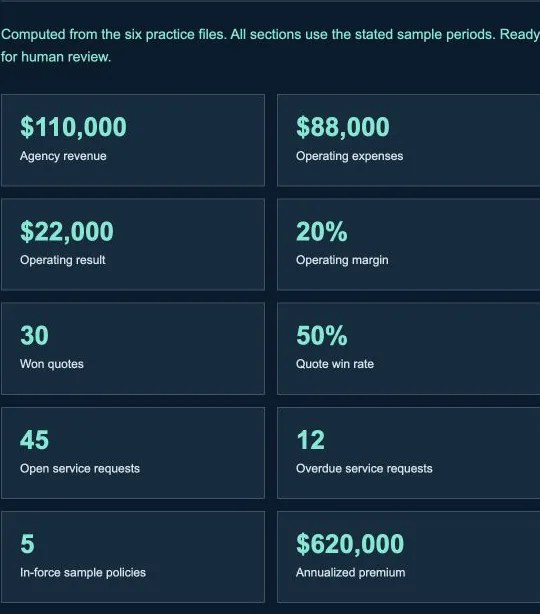 0:41 · VIDEO
An agency owner reporting hub: policy, profit and operations
Combine sales, service, policy, financial and quality reporting into an owner dashboard, then distribute permitted views. Includes a fictional dashboard, reporting steps and practice kit.
Watch + try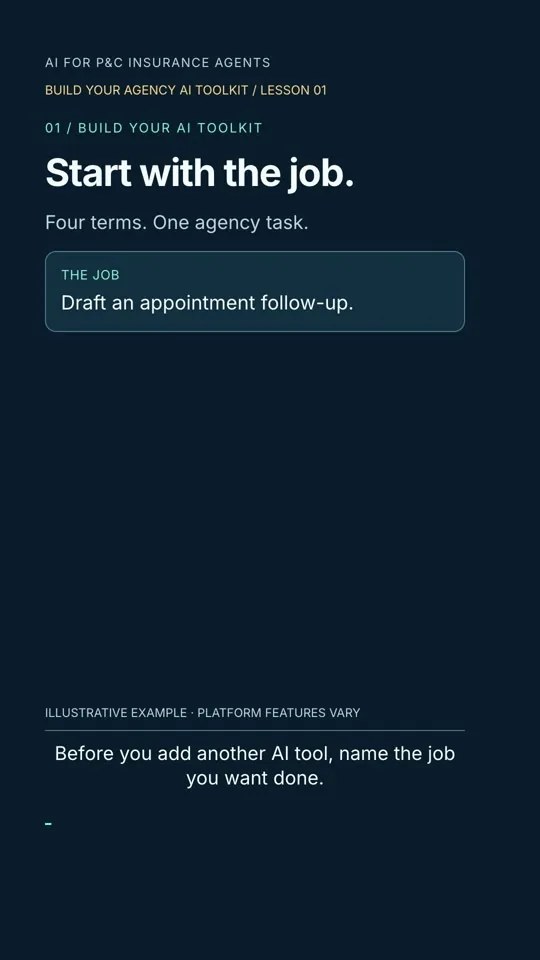 2:11 · VIDEO
Which AI tool do you actually need?
Understand prompts, skills, connectors and plugins through one appointment-follow-up task.
Watch + tryCheck an AI report against the source numbers
Define the metric and denominator before asking AI to explain a result.
Read the guideWrite a prompt that gives AI a useful job
Specify the task, context, boundaries, and output before asking for a draft.
Read the guide